Consultant staffing: connect people, projects and assignments

Organize who works for each client, during which period and on what terms. Hice connects consultants, assignments and projects to recorded time and financial visibility.

Explore product workflows and limits to check

A suitable profile is not yet a workable assignment

Before confirming someone, you need context, dates and commercial terms. A skills list does not replace checking existing assignments and missing information.

  • Review the profile and dates before promising availability
  • Keep the assignment connected to the client project
  • Review rates, time and costs with authorized colleagues

From reviewing a consultant to assigning a project

Review the profile and assignments, select the project and record the period. Keep project financial terms available for review and follow delivery through timesheets and approvals.

  • Open the consultant record and check information relevant to the request.
  • Review assignment start and end dates before confirming a period.
  • Follow time and project financial records after work starts.
Consultant staffing: connect people, projects and assignments
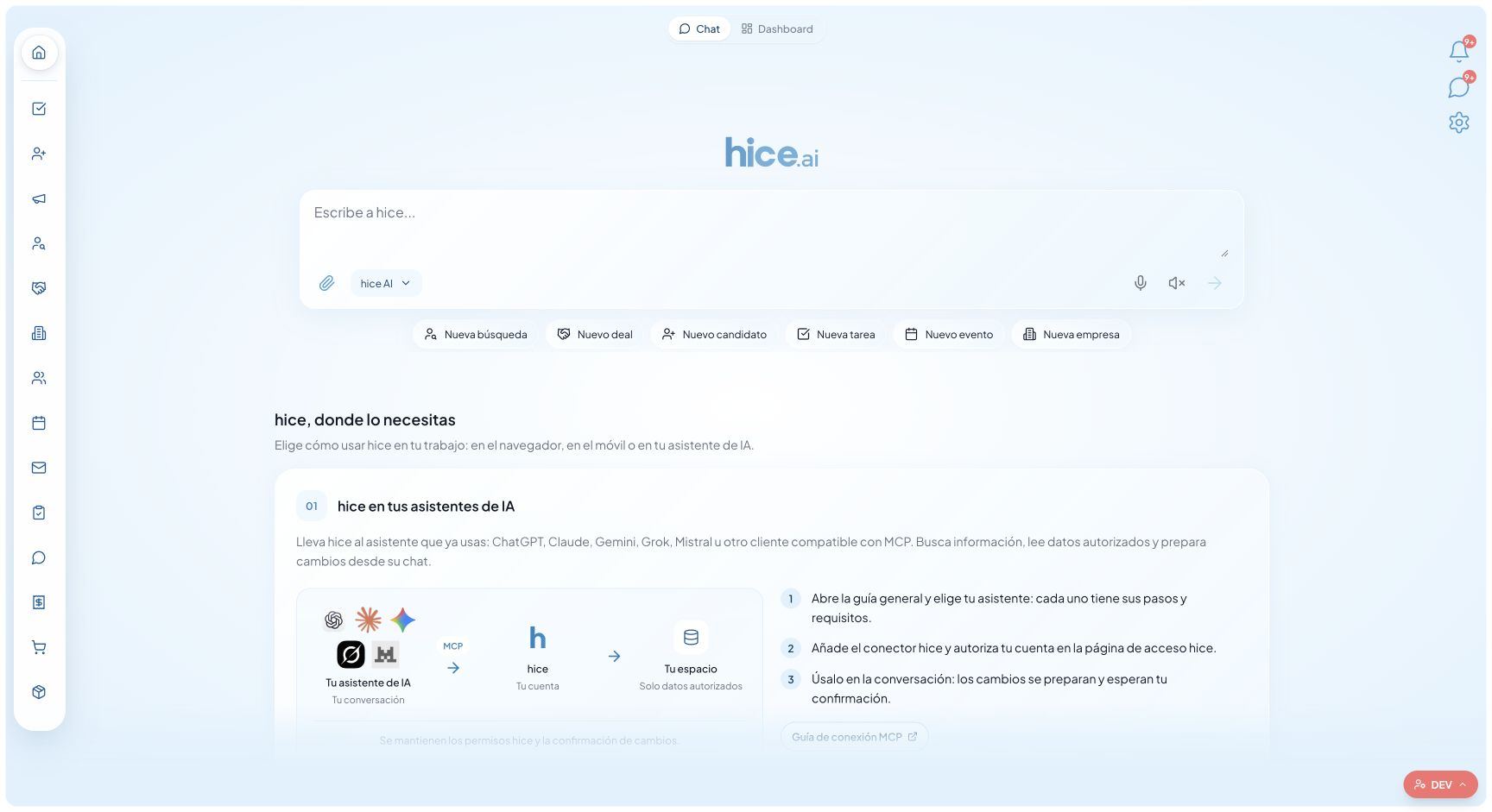
Actual product screen with demo data and the Spanish interface. It illustrates the product, not customer results or real clients.

What you get

Consultant records

Profiles, documents and operational information in the same working environment.

Project assignments

Review and manage the connection between a consultant, engagement and work period.

Start and end dates

Review recorded intervals before agreeing a new assignment.

Commercial terms

Keep project rates and billing frequency accessible according to permissions.

Time and approvals

Timesheets connect recorded work to the responsible reviewers.

Costs and margins

Read financial indicators without assuming missing or outdated records are available.

Before assigning: profile, period and responsibility

Open the consultant, review relevant information and check recorded assignment periods. An end date alone is not a guarantee of availability: leave, extensions and agreements not yet recorded must be checked by the manager.

Your demo should include two projects requesting the same person over the same period. Use it to check how your team identifies and resolves the conflict. We do not promise an engine that automatically assigns people or prevents every overlap.

Connect the person to the project, not a parallel spreadsheet

An assignment retains the consultant-to-project connection and its start and end dates. Project terms include rate, billing frequency and billing period; check them before relying on financial records for a decision.

When dates change, update the operational record and review the effect on the team’s work. People recording time do not necessarily need access to costs and margins. Test both roles on the same project.

From staffing to Time & Materials actuals

Once work begins, recorded and approved time helps track delivery. The Time & Materials workflow explains rate checks and timesheet exports for the administrative close.

Hice manages assignment operations. It does not replace statutory staffing obligations, employment contracts, payroll or local compliance checks; evaluate those requirements with the appropriate tools and professionals.

An experience shared by a Hice user

“What I like most is expense approval and preparing the data for invoices: it takes three steps, and we no longer have to copy anything by hand.”

Orion Williams · Administration Manager, StaffIT

English translation of an excerpt from an Italian email testimonial, published with permission. This is the author’s individual experience, not a directory-verified review or a guaranteed outcome.

An example to reproduce in your demo

Illustrative demo, not a customer outcome: a consultant is assigned to Demo Project until June 30. Before confirming a second project, the manager checks dates, extensions and profile information. They record the new assignment and check the permissions of those entering and approving time. This does not imply guaranteed availability or automatic matching.

Product scope and checks to make

Featurehice.aiVerify separately
Operational recordsCRM, ATS, projects, assignments and timesheetsFields, permissions and limits for your workflow
AdministrationFinancial records and operational documentsStatutory invoicing, accounting and specific connectors
AIReads accessible records and proposes changes for reviewSupported operations, clients and provider requirements

Frequently asked questions about consultant staffing software

Is staffing the same as recruiting?

They are connected but distinct. Recruiting covers search and selection; staffing organizes people’s assignments to projects. Hice includes both workflows.

Does Hice automatically assign the best consultant?

We do not promise automatic allocation. The manager reviews profiles, dates, terms and available records, then decides whom to confirm.

Can I manage time after the assignment?

Yes. The workflow continues with timesheets, approvals and project financial records, according to configuration and permissions.

How do pricing and roles work?

Pricing distinguishes MAIN and BASIC users and explains free-plan limits. Check regional prices and AI provider requirements or costs separately. It is not one unlimited company-wide licence.

Test your workflow, not a generic promise

Bring a sample engagement or project: check steps, roles, records and exports before choosing.